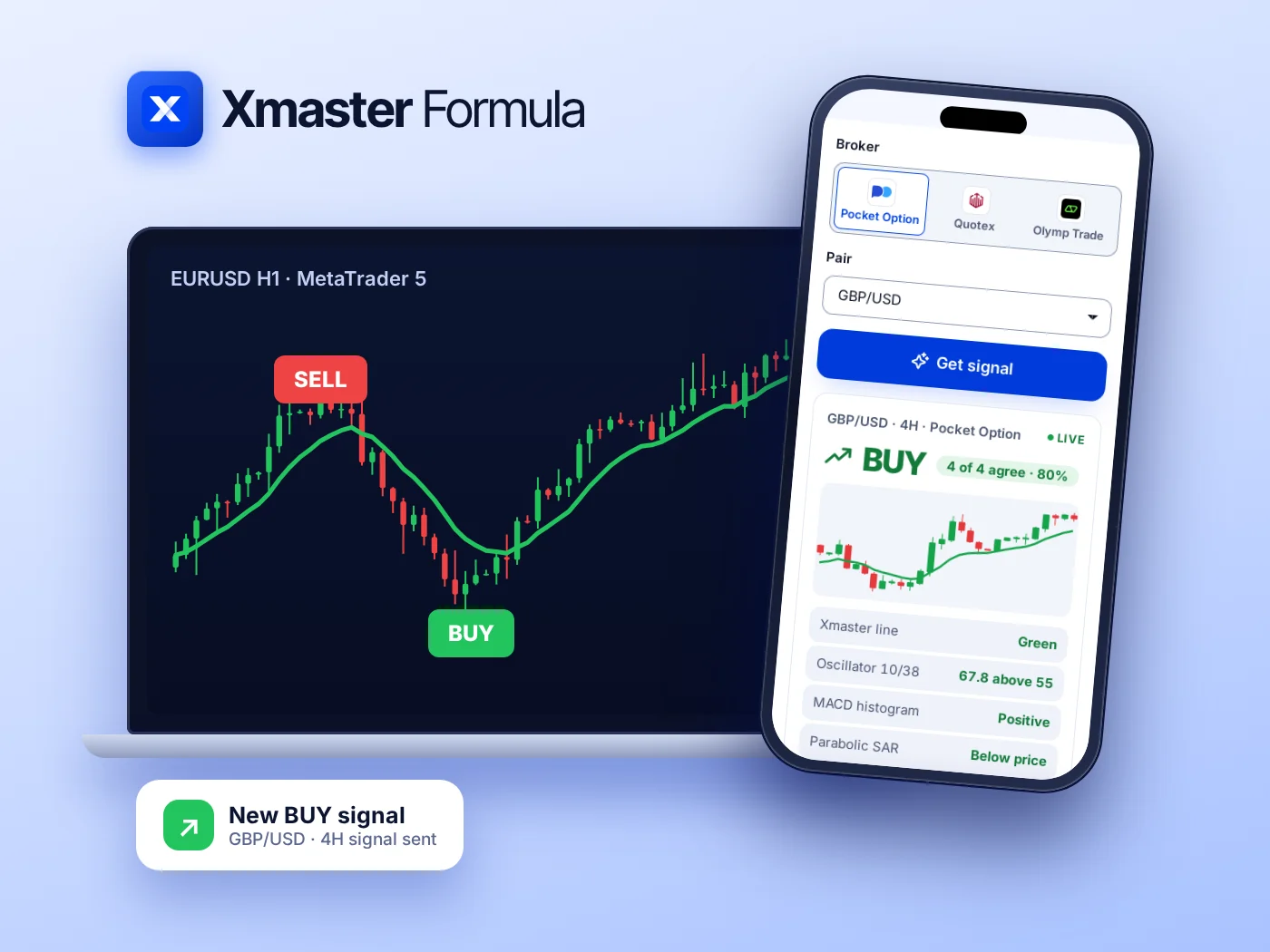
Buy signal: the line turns green


- The oscillator closes above 55
- The trend line changes from red to green
- A green BUY arrow prints under the candle
- Enter on the open of the next candle
2026 Edition · MT4 & MT5 · No Repaint
The XHMaster trend line flips green or red the moment momentum turns, with clear buy and sell arrows. Built on an EMA 10/38 crossover and confirmed by MACD, RSI, Stochastic and Parabolic SAR.
MetaTrader 5
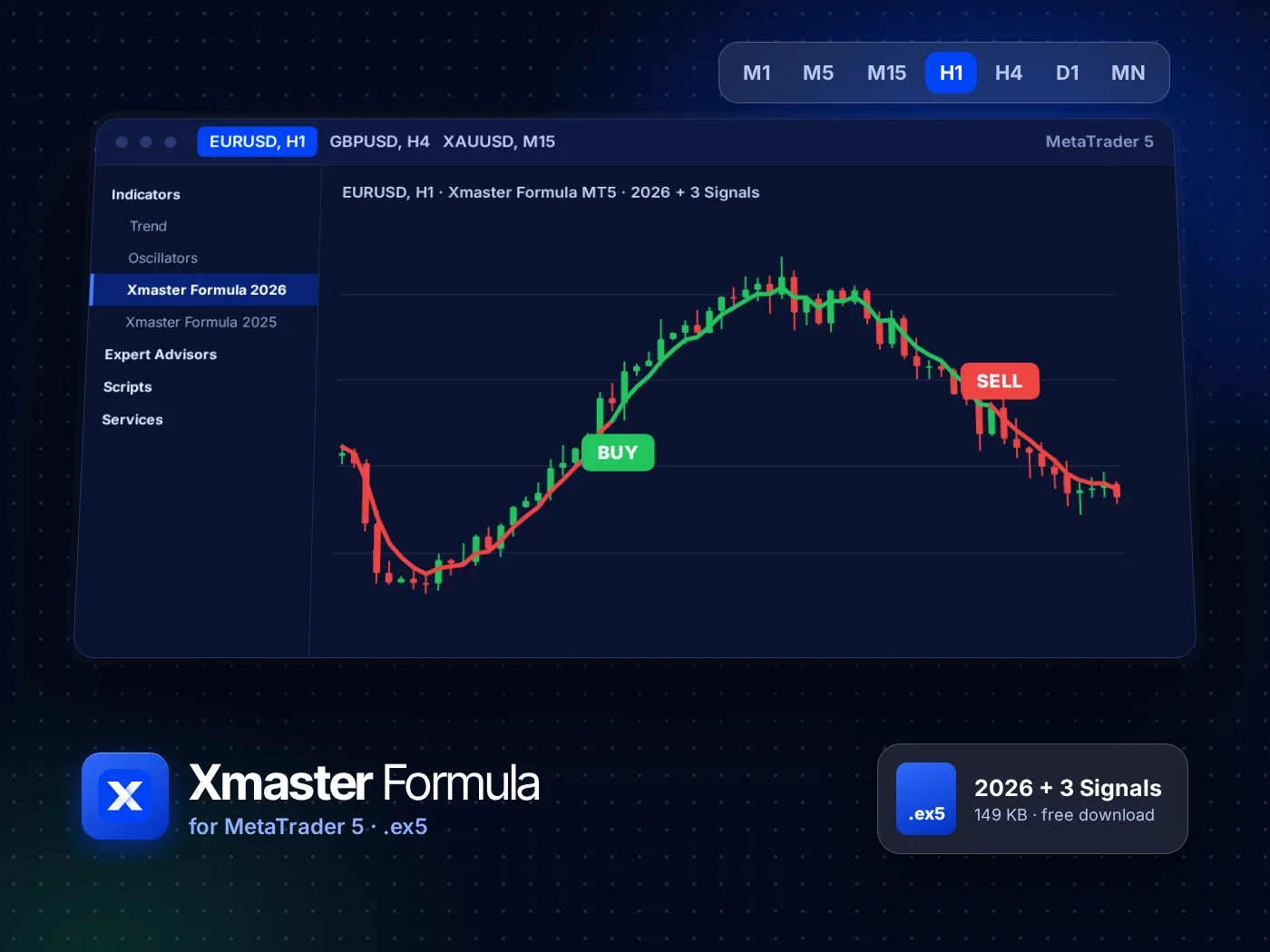
The same formula rebuilt for MetaTrader 5, so it runs on modern brokers and on every MT5 timeframe, from M1 to monthly.
2026 + 3 Signals. The trend line plus three signal types: line flip, oscillator cross and full confluence.
2025 classic included. The quieter build traders used from 2022 to 2025, with the line and arrows only.
Any MT5 market. Forex, gold, indices and crypto CFDs, on any timeframe your broker offers.
Partner brokers
Open a free account with one of our three partner brokers and trade the Xmaster signals there. Each one offers a demo account to practise on first.

Fast binary trades from 5 seconds, real and OTC pairs, a free demo account.
Sign up on Pocket Option
A clean trading screen, OTC pairs around the clock and a free demo to practise on.
Sign up on Quotex
Fixed time trades on forex, metals and crypto, with a free demo account.
Sign up on Olymp TradePartner links: we may earn a commission when you open an account, at no cost to you. Trading carries a high risk of loss.
MetaTrader 4
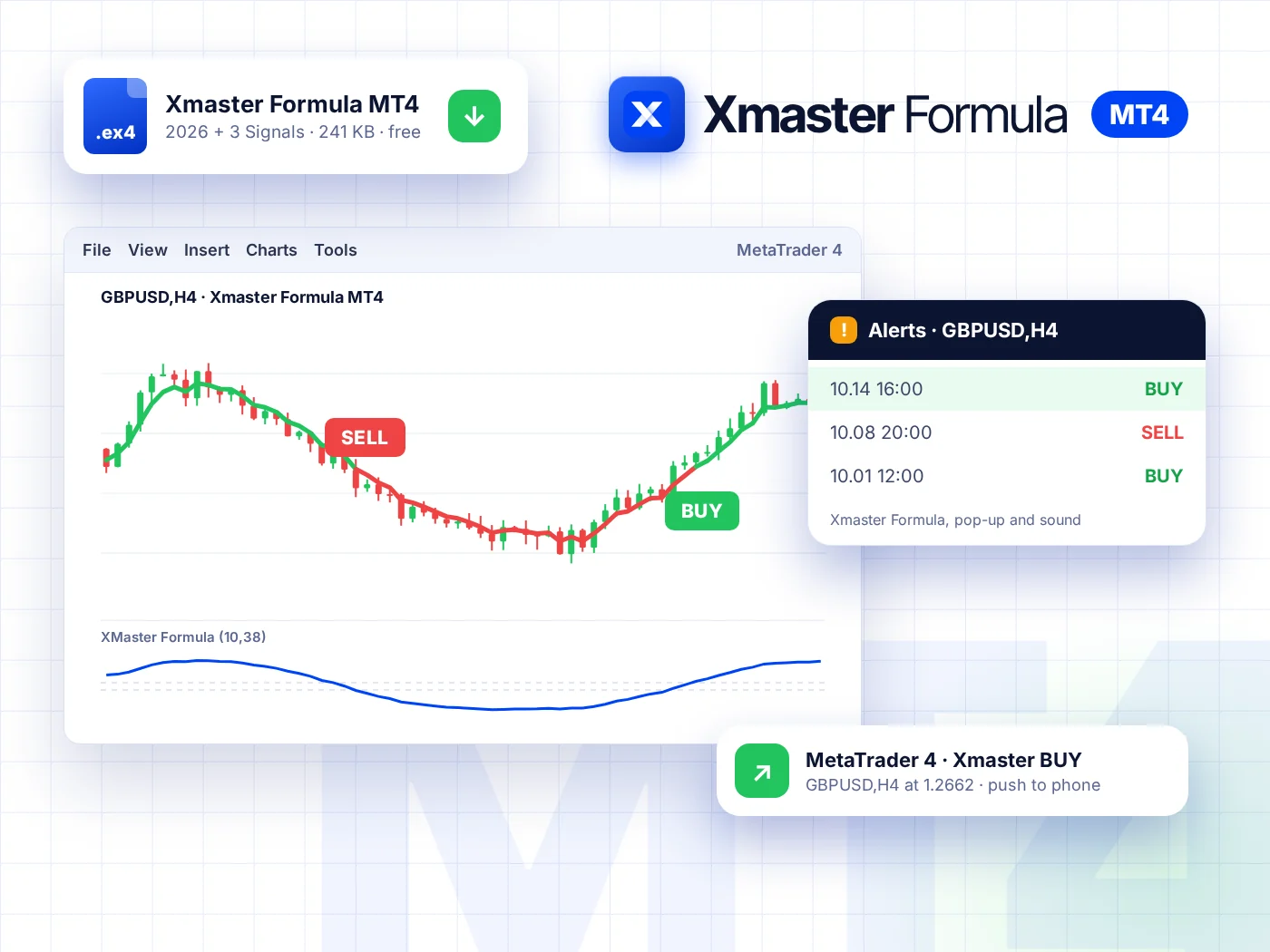
One .ex4 file, dropped into the Indicators folder and ready in two minutes. It draws the trend line and the arrows, and tells you when a signal prints.
2026 + 3 Signals. The trend line plus three signal types: line flip, oscillator cross and full confluence.
2025 classic included. The quieter build traders used from 2022 to 2025, with the line and arrows only.
Alerts that reach you. A pop-up and sound in MetaTrader, a push to your phone or an email.
New · AI Signal Bot
Pick your broker, a pair and a 5, 15 or 30 second expiry. The bot runs the same four Xmaster checks on the latest candles and answers BUY, SELL or WAIT, with how firmly the checks agree and the seconds left to enter.
Pocket OptionQuotexOlymp TradeEUR/USD OTC · 15S · Pocket OptionLive
BUY4 of 4 checks agree
Enter before the candle closes in 0:09
TradingView
No download and no MetaTrader needed. The Xmaster (XHMaster) Formula script on TradingView draws the same trend line and arrows on any chart, on desktop or phone.
Standard mode. The 10/38 oscillator crosses 55 for a buy or 45 for a sell, and the line changes colour.
Advance mode. A signal needs MACD, RSI, Stochastic and Parabolic SAR to agree as well.
Open source. Published by TradingFinder, so you can read every line of the code before you trust it.
How it works
The core is a moving average crossover, turned into a score and read at two fixed levels. Four classic indicators can then confirm it.
An EMA of 10 candles follows price closely. An EMA of 38 candles shows the slower trend.
The gap between the two is scaled to a score from 0 to 100. Above 50, the fast average leads upward.
A cross above 55 starts a buy. A cross below 45 starts a sell. The band in between filters noise.
The trend line turns green or red, and an arrow marks the candle where the cross happened.
In Advance mode a signal only prints when all four agree with the crossover. You get fewer signals, and each one has more behind it.
MACD 12/26/9
Histogram above zero for a buy, below zero for a sell.
RSI 14
Under 30 for a buy, over 70 for a sell: price is stretched.
Stochastic 14
Under 20 for a buy, over 80 for a sell.
Parabolic SAR
Dots below price for a buy, above price for a sell.
Signals
Every signal has three parts that always appear together: the line colour, the arrow and the oscillator cross. Wait for the candle to close before you act on any of them.


Settings
The defaults are a sound start on H1 and H4. Change one input at a time, and test it on a demo account before it touches real money.
| Input | Default | What it changes |
|---|---|---|
| Method | Standard | Standard prints on the 55/45 cross. Advance waits for all four confirmations. |
| Short EMA | 10 | The fast average. Lower it for earlier, noisier signals. |
| Mid EMA | 20 | A middle reference used by the trend filter. |
| Long EMA | 38 | The slow average. Raise it to trade only longer swings. |
| MACD | 12, 26, 9 | Fast, slow and signal periods for the histogram check. |
| RSI length | 14 | Candles used by the RSI check in Advance mode. |
| Stochastic length | 14 | Candles used by the Stochastic check in Advance mode. |
| Buy and sell levels | 55 and 45 | The oscillator levels that trigger a signal. |
Strategy
An indicator gives you the moment. The rules around it decide whether you keep your account. Here is a plain plan to practise on a demo account first.
Start on H1 or H4. Fewer signals arrive, and each candle has time to show what it means. M1 to M15 give many more signals and more of them fail.
Check the line one timeframe higher. Take H1 buys only while the H4 line is green, and sells only while it is red.
A signal counts once the candle has closed. Enter on the open of the next candle, never in the middle of the one that is still forming.
Put the stop loss beyond the last swing high or low, or beyond the Parabolic SAR dot. Size the trade so that stop costs at most 1 to 2% of the account.
Take profit at 1.5 to 2 times the stop distance, or close when the opposite signal prints. Decide which before you enter.
Big news releases move price faster than any indicator can follow. Stay out a few minutes before and after them.
Versions
Both MetaTrader builds of the XHMaster indicator are in each download. The 2025 build is the one traders used from 2022 to 2025. The 2026 build adds two more signal types on the same formula.
| 2025 classic | 2026 + 3 Signals | TradingView | |
|---|---|---|---|
| Signal types | Trend line and arrows | Three: line flip, oscillator cross and full confluence | Standard or Advance mode |
| Platforms | MT4 and MT5 | MT4 and MT5 | TradingView, web and app |
| File | .ex4 and .ex5 | .ex4 and .ex5 | Script, added from TradingView |
| Repainting | Arrows fixed once the candle closes | Arrows fixed once the candle closes | Read on candle close |
| Best for | Traders who want the classic look | Most traders today | Charting in the browser |
A trend indicator that compares a 10 and a 38 period moving average, turns the gap into a 0 to 100 score and prints a buy above 55 and a sell below 45. Its trend line turns green or red with the signal. It is also known as XHMaster Formula.
Yes. The MT4 and MT5 files are free downloads on this site, the TradingView version is a free open-source script, and the AI Signal Bot is free to use.
Signals are calculated on closed candles. While a candle is still forming, the score moves with price, so an arrow can appear and disappear inside that candle. Once the candle closes, the arrow stays where it is. That is why every guide here says to wait for the close.
None. XHMaster Formula is another name traders use for the same indicator. Both names refer to the EMA crossover trend line with buy and sell arrows.
H1 and H4 give the cleanest signals for most pairs. Lower timeframes such as M5 and M15 give many more signals, and a larger share of them fail. Test any timeframe on a demo account before trading it.
Yes. The formula reads any chart MetaTrader or TradingView can draw. Volatile markets such as gold and crypto move faster, so use a wider stop loss and a smaller trade size.
It draws the same trend line and adds two extra signal types on the same formula. If you already know the 2025 build and like its quieter chart, keep it. Both are included in each download.
No. Xmaster (XHMaster) Formula is an indicator, not an expert advisor. It shows signals and sends alerts; you decide and place every trade. For fast binary signals, see the AI Signal Bot.
Pick your platform. Every version is free, and each page walks you through the install in a few minutes.